 Denpa
Denpa
Denpa
Denpa

iOS 18.0 or later / iPhone, portrait only
It measures the segment from your device to the first device (your router, or the carrier gateway on a cellular connection) and the segment beyond it to the internet, and shows which side the cause is likely to be on. It can also measure how long a specific web page takes to load. Results stay on your device.

There is no continuous monitoring. Nothing is measured until you tap Start diagnostics.
Example results. Values vary with your connection and surroundings.
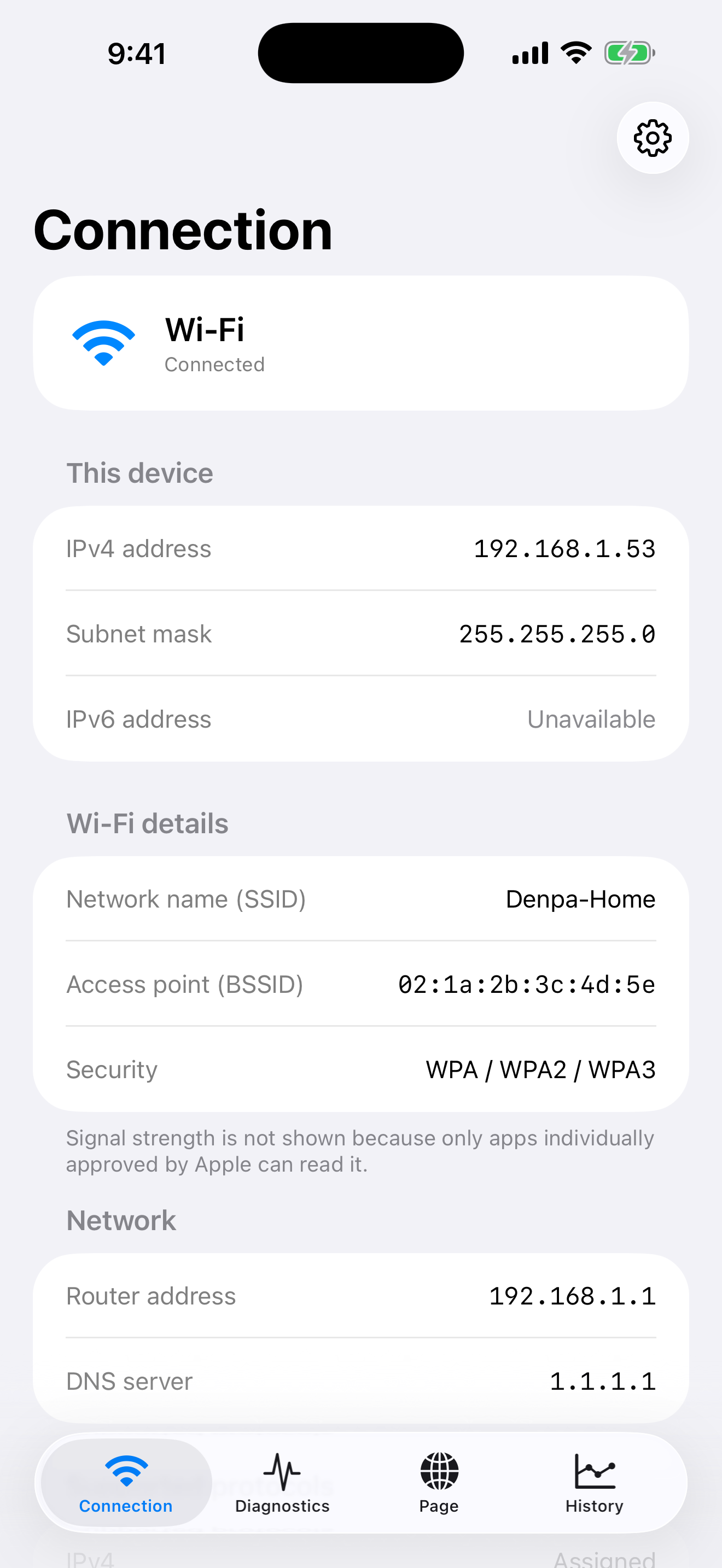
Connection
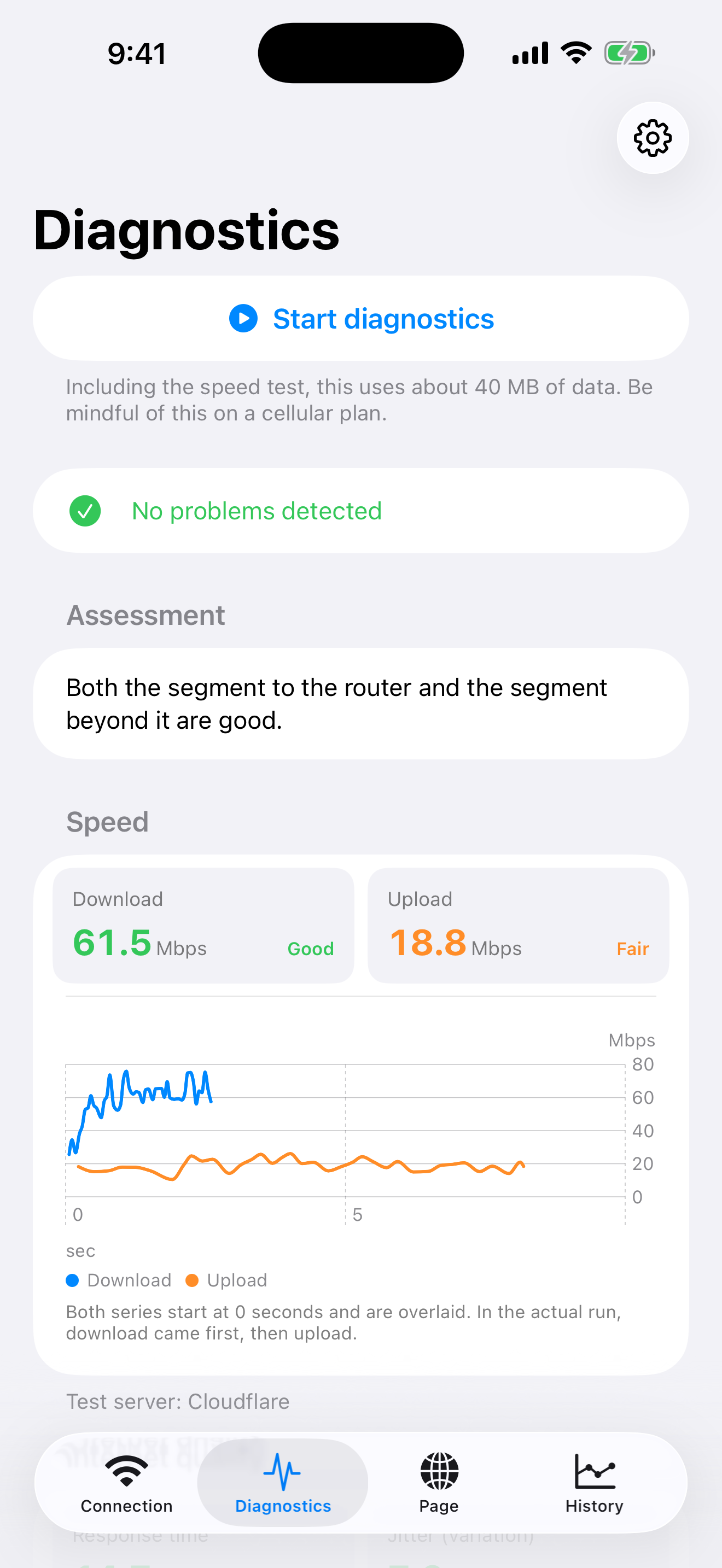
Diagnostics
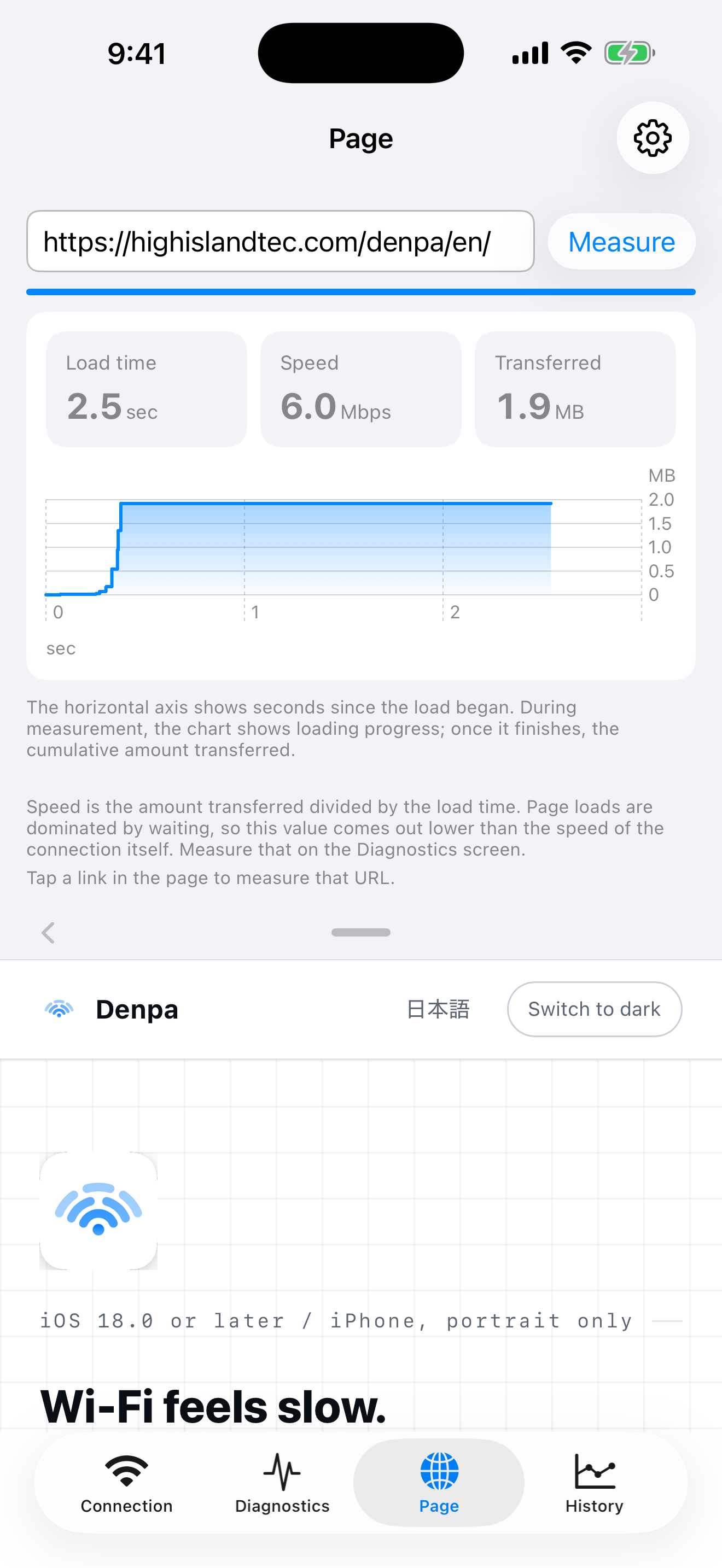
Page
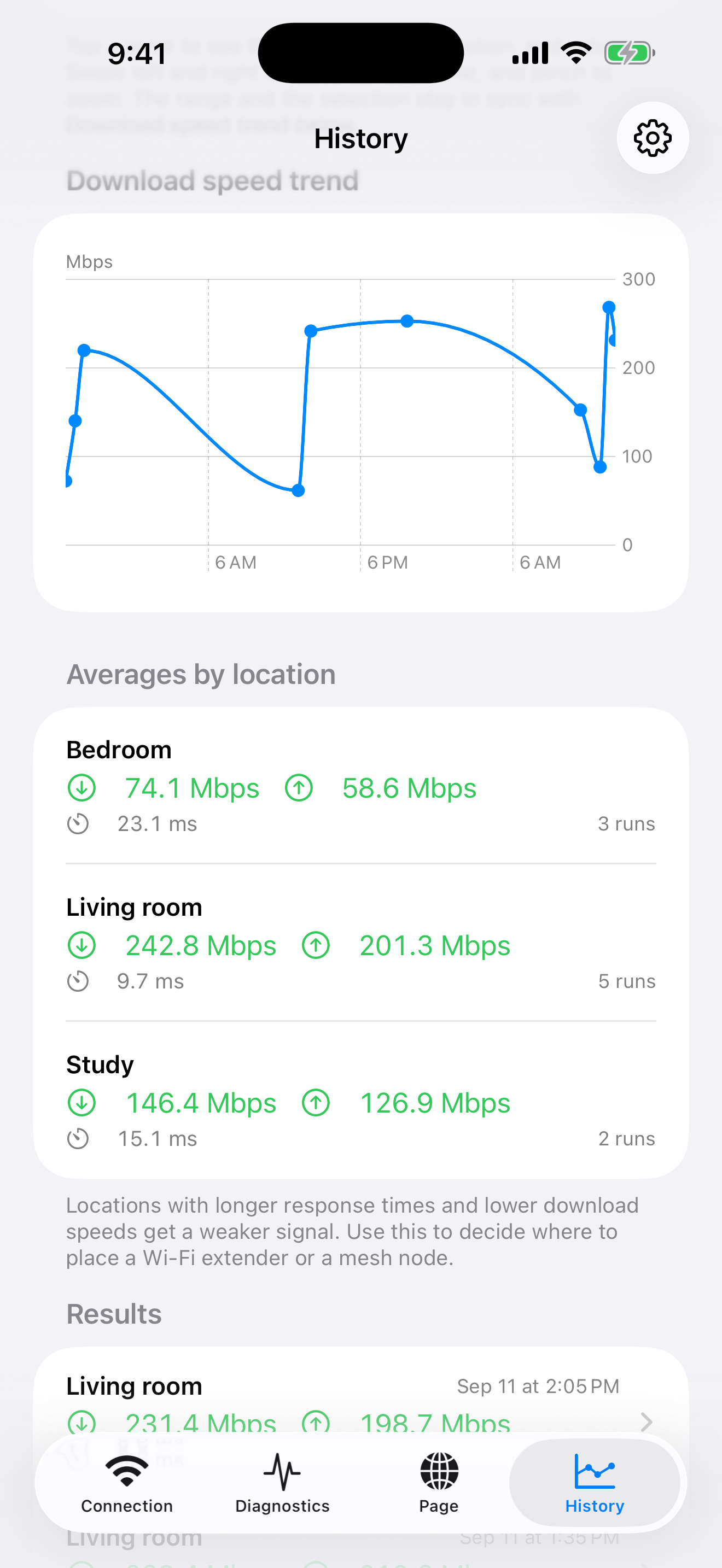
History
What the app cannot do matters as much as what it can, so it is stated up front. The same list appears under How to use in the app.
Results, location names, and notes. URLs you enter on the Page screen and the pages you view are not saved either. Nothing is sent to the developer or to a third party. There is no analytics, advertising, or tracking. Location is never recorded or sent.
The speed test uses speed.cloudflare.com (you can switch to Linode, OVHcloud, or Vultr in Settings; those three are download only). Response time uses 1.1.1.1, the connectivity check uses captive.apple.com, and DNS lookups use www.apple.com and others. On the Page screen it connects to the site at the URL you enter: you choose the destination, not the app. Measuring cannot happen without real network traffic. The full list is in the privacy policy.